How to Use an eSIM in the Dominican Republic: a Traveler’s Guide 2026
10/10/2026
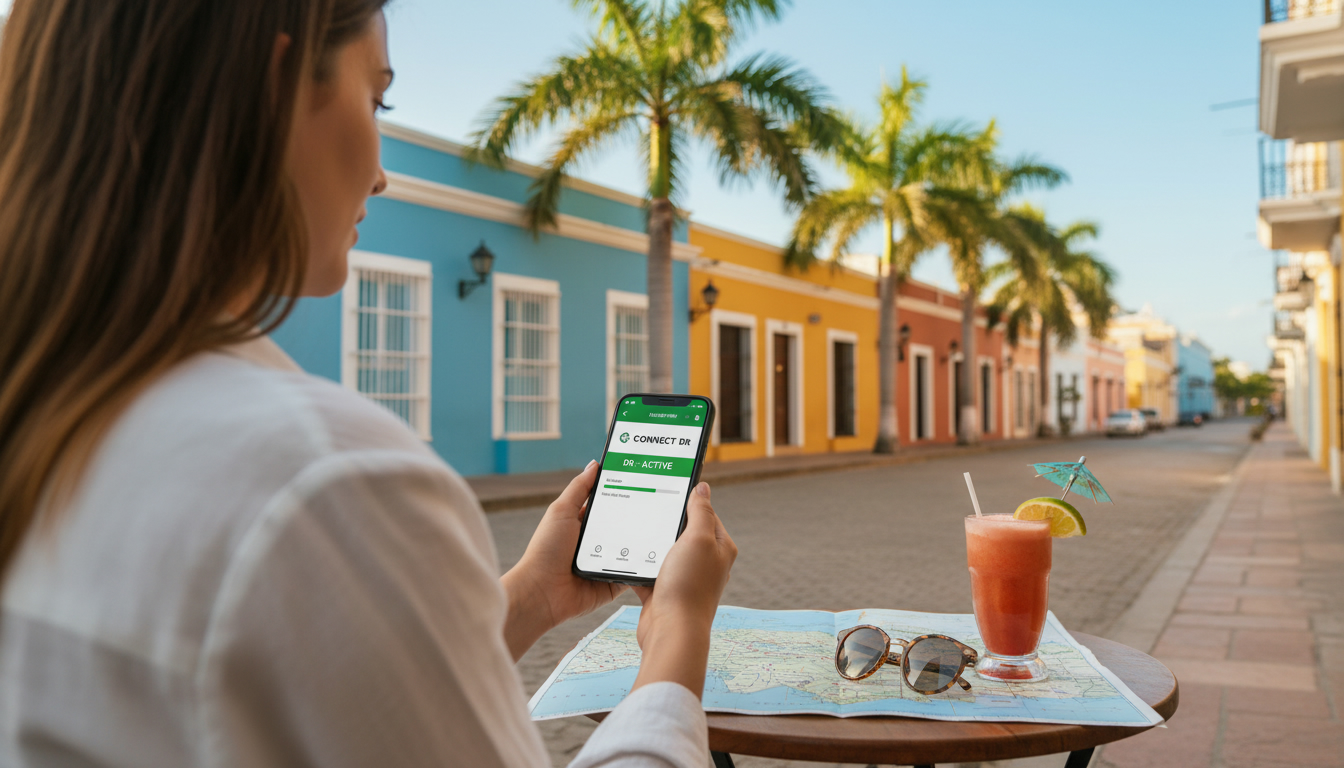
How to Use an eSIM in the Dominican Republic: A Practical Traveler’s Guide
When you land in the Dominican Republic, the last thing you want is to scramble for a local SIM card or struggle with spotty mobile data. Using an eSIM for the Dominican Republic can save you that hassle, letting you connect instantly without swapping physical SIMs.
But getting it right requires knowing which carriers support eSIMs, how to buy and activate them, and avoiding common pitfalls that can leave you offline at critical moments.
I always start by checking the coverage quality and activation process before my trip. Here’s a step-by-step guide based on how eSIMs actually work in the Dominican Republic, what to watch out for, and how to pick the best data plan for your needs.
Choosing the Right eSIM Provider for the Dominican Republic
Not all eSIM providers deliver equal coverage or ease of use in the Dominican Republic. The country’s main mobile networks—Claro, Viva, and Altice—offer extensive 4G coverage, but their support for eSIM varies, especially for tourists.
What You Need to Know About Coverage and Network Support
The Dominican Republic’s mobile networks operate primarily on 4G LTE bands, with growing 5G availability in urban areas like Santo Domingo and Punta Cana. An eSIM plan that automatically selects the best available network is crucial because:
- Condition: If your eSIM provider lacks roaming agreements with all three major carriers,
- Mechanism: your phone may lock onto a weaker network or lose signal when moving between regions,
- Consequence: resulting in dropped calls or slow internet speeds during your trip.
For example, some international eSIMs automatically switch between Claro and Viva depending on signal strength. This seamless selection is essential because coverage quality can vary significantly between tourist hotspots and rural areas.
How to Buy an eSIM in the Dominican Republic
Buying an eSIM before arrival is usually more convenient than purchasing one locally. Most providers allow instant digital delivery via QR code, which you scan to install the profile on your phone.
Here’s how to proceed:
- Choose a reputable provider that supports Dominican Republic networks.
- Purchase your plan online—plans vary by data volume and validity period.
- Receive a QR code via email or app immediately after purchase.
- Scan the QR code on your phone (iPhone or Android with eSIM support).
- Activate the plan before or upon arrival; some providers require activation only once you land.
I’d advise against waiting until arrival to buy an eSIM because local stores may not offer eSIMs or might have limited English support. Also, activating an eSIM requires a stable internet connection initially, so having Wi-Fi at your hotel or airport helps avoid activation failures.
Common Pitfalls When Using an eSIM in the Dominican Republic
Even with an eSIM, travelers often face avoidable issues that disrupt connectivity. Knowing these traps can save you time and frustration.
Overlooking Device Compatibility
Not all phones support multiple active SIM profiles simultaneously. For example:
- Condition: If your phone only supports one active SIM at a time,
- Mechanism: activating a new eSIM profile may disable your primary SIM temporarily,
- Consequence: causing missed calls or messages on your home number unless you toggle settings manually.
Before purchasing, verify your device supports dual SIM standby with eSIM functionality. iPhone models from XS onward generally support this well; many recent Android phones do too, but some older models do not.
Ignoring Data Plan Validity and Usage Limits
Many affordable eSIM plans offer limited data volumes valid for specific durations (e.g., 3 GB for 30 days). A common mistake is underestimating daily data needs:
- Condition: If you activate a 3 GB plan without monitoring usage,
- Mechanism: streaming videos or using GPS apps consumes data faster than expected,
- Consequence: your connection may throttle or stop before your trip ends.
Set reminders to check remaining data regularly via your provider’s app or website. Some providers also allow easy top-ups without reinstalling profiles.
Comparing Costs and Data Plans for Your Trip
Cost-effectiveness depends on how much data you need and how long you stay. While local SIM cards often offer competitive prices, they require physical swapping and sometimes registration hassles.
International providers offer preloaded plans for the Dominican Republic ranging from short-term (1 day) to monthly validity with various data caps. For example:
| Provider | Data Volume | Validity | Price (USD) | Notes |
|---|---|---|---|---|
| Flexiroam | Varies | Varies | Check site | Automatic network selection |
| NomadESIM | Varies | Varies | Check site | 4G/5G speeds available |
| BetterRoaming | Varies | Varies | Check site | Instant download and activation |
Prices fluctuate depending on data volume and duration; I recommend consulting MyBestSim for up-to-date comparisons of the best eSIM plans in the Dominican Republic.
Activating Your eSIM: Step-by-Step With Tips
Activation is straightforward but requires attention to detail:
- Download Your Provider’s App or Use QR Code: Most providers supply a QR code for scanning directly into your phone’s cellular settings.
- Install the Profile: Follow prompts carefully; do not skip steps.
- Set Your Default Data Line: On iPhones (iOS 14+), choose which SIM handles cellular data—this step is crucial to avoid unexpected charges.
- Restart Your Phone if Needed: Some devices require rebooting for proper network registration.
- Test Connectivity Before Leaving Wi-Fi: Open a browser or app to confirm internet access.
- Avoid Switching Networks Manually: Let automatic network selection handle roaming; manual switching can cause loss of signal.
A common trap I’ve seen is over-tightening settings like APN configurations manually—modern phones usually configure these automatically from carrier metadata. Incorrect APN entries can block data access entirely.
Why I Recommend Preparing Your eSIM Before Traveling
From my experience comparing international travel plans like those for Japan here, having an activated eSIM ready before arrival eliminates stress and downtime upon landing.
The GSMA specification SGP.22 governs remote provisioning of embedded SIMs (eSIMs), ensuring secure delivery of profiles worldwide without physical cards. This means you can trust reputable providers to deliver reliable service remotely—no need to hunt down local shops after a long flight.
If you want seamless connectivity in the Dominican Republic without roaming fees or physical SIM swaps, investing time upfront to select and activate an appropriate eSIM plan pays off handsomely.
Managing Data Usage and Troubleshooting On The Go
Once connected, keep these tips in mind:
- Monitor data consumption through your provider’s dashboard or phone settings.
- Disable background app refresh if you want to conserve data.
- If signal drops unexpectedly, toggle airplane mode briefly to force reconnection.
- Beware of public Wi-Fi networks; use VPNs if handling sensitive information.
- Some areas outside major cities have patchy coverage; plan accordingly if traveling off-grid.
If problems persist despite correct setup, contacting customer support of your chosen provider promptly is essential—they often resolve issues remotely within minutes.
For travelers planning trips beyond the Caribbean, I also recommend checking guides on Japan data plans for tourists which share similar activation principles but tailored to different network environments.
Using an eSIM in the Dominican Republic offers convenience and flexibility unmatched by traditional SIM cards—but only if you understand how to choose plans wisely, activate properly, and avoid common pitfalls that disrupt connectivity when it matters most.
FAQ
Which carriers support eSIMs in the Dominican Republic?
The main carriers supporting eSIMs in the Dominican Republic are Claro, Viva, and Altice. However, eSIM availability varies by provider and region, so choosing one that offers automatic network switching between these carriers ensures better coverage during your trip.
How do I buy and activate an eSIM before arriving?
You can purchase an eSIM plan online from reputable providers that support Dominican Republic networks. After purchase, you receive a QR code via email or app to scan and install on your phone. Activation is usually done before or upon arrival with a stable internet connection.
Is using an eSIM more cost-effective than a local SIM card?
eSIMs offer convenience and flexibility but may be slightly more expensive than local SIM cards. They avoid physical swapping and registration hassles, making them ideal for travelers who value seamless connectivity and quick setup over the lowest price.
What common issues should I avoid when using an eSIM there?
Common pitfalls include device incompatibility with dual SIM profiles, underestimating data needs leading to early throttling, and incorrect manual APN settings. Ensuring your phone supports eSIM and monitoring data usage regularly helps maintain uninterrupted service.
How can I manage data usage and troubleshoot connectivity on the go?
Monitor your data through your provider’s app, disable background app refresh to save data, and toggle airplane mode if signal drops. Using VPNs on public Wi-Fi and contacting customer support promptly can resolve most connectivity issues quickly.

Sakura Tanaka
Sakura is a Japan travel writer. At Japan eSIM she compares NTT Docomo, SoftBank and au plans for visitors exploring Tokyo, Kyoto and beyond.